SavvyData — making sense of....
QuickPost: TechNet charting webinar files
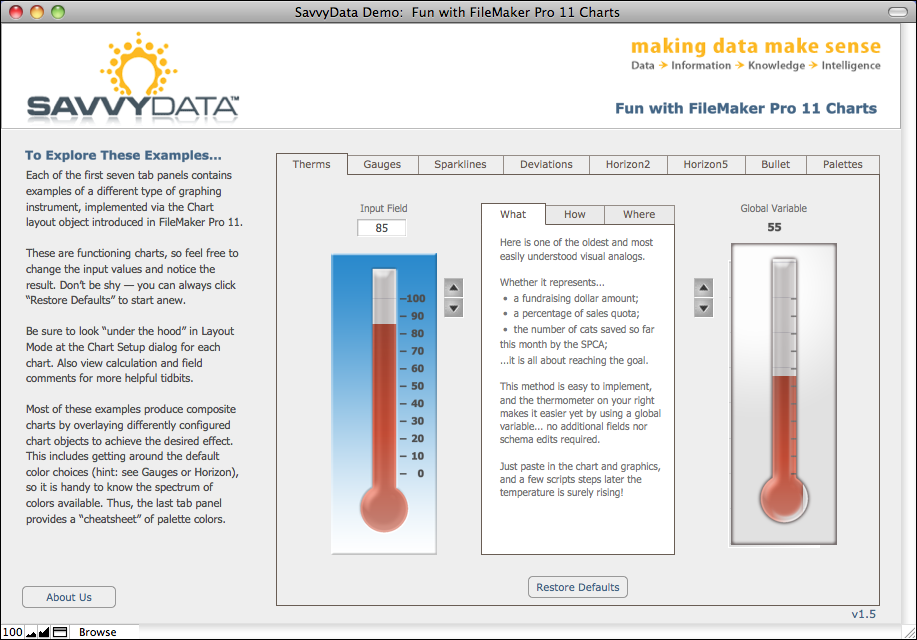
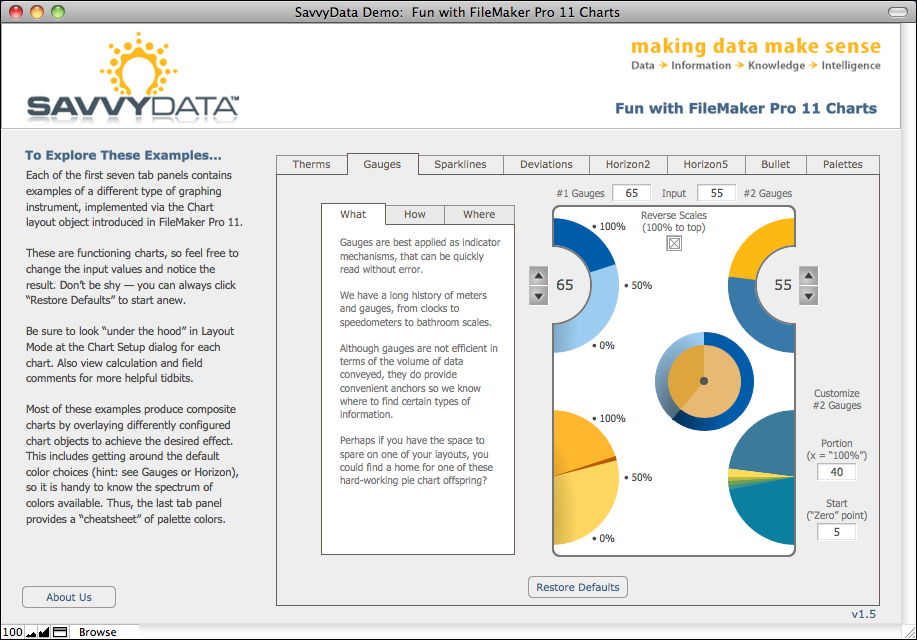
Hi all, here are links to the demo files I’ll be using in today’s webinar. I’ll write these up more properly later.
Fun with FileMaker Charts – SavvyData_ChartFun.fp7
Chart Scaling Behavior – SavvyData_Chart_AutoScale.fp7
Enjoy!
-Lee
Sparklines with FMP11 Charts – Updated
Reposted with updated file — Sparklines demo is more interactive, with informative dynamic tooltips.
Download link for the demo file: SavvyData_ChartFun.fp7.zip
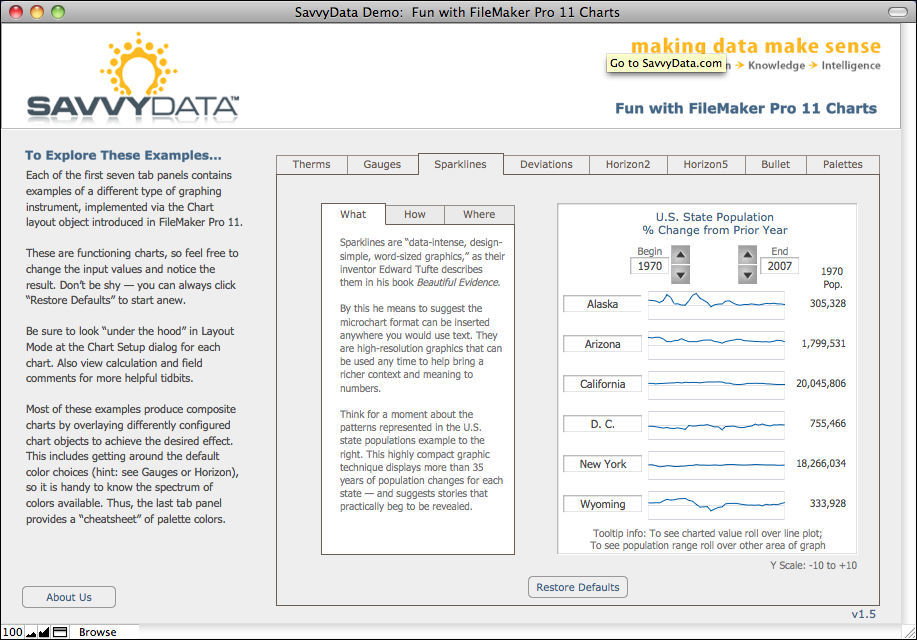
Sparklines are “data-intense, design-simple, word-sized graphics,” as their inventor Edward Tufte describes them in his book Beautiful Evidence. Due to their form and format, sparklines are most appropriate on lists and subsummary reports, and are well suited to Read more… »
Bar Charts on Steroids
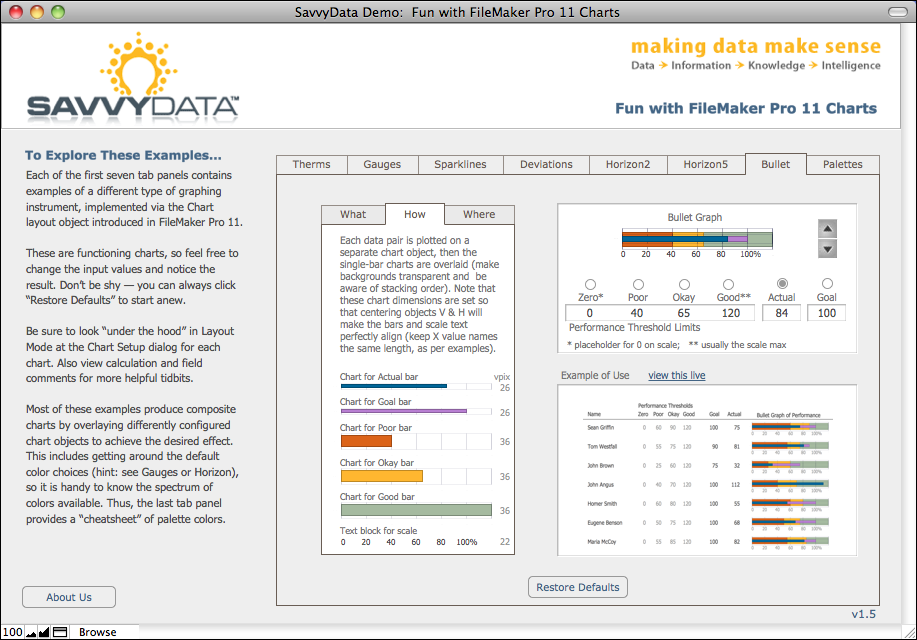
The bullet graph is a horizontal bar chart on steroids. This device was invented in 2005 by Stephen Few of Perceptual Edge, as a response to dashboard widgets that take lots of screen space to provide one piece of information.
By contrast, the bullet graph can efficiently convey quantitative data such as goal & percent attainment, as well as qualitative measures such as how good or bad a score of “85” really is. The unusual aspect to this is Read more… »
Chart Palettes Cheatsheet for FMP11
Last week FileMaker Inc. announced FileMaker Pro 11 — and most early reviewers agree the most exciting new capability is charting. In the weeks to come I’ll be digging in and providing demo files for some cool uses of this important new tool.
If you already chart in FusionCharts or xmChart or 360Works Charts or AnyChart or xmChart or Maani or Google API or SimpleChart or [your unnamed favorite here], you will still find the built-in chart tool easier to use than any of those. It is amazingly convenient. And did I mention easy? If you’re not a charting fan yet, then I’m sure you soon will be.
That said, this IS the first version with charting built-in, so it would be good to keep expectations modest.
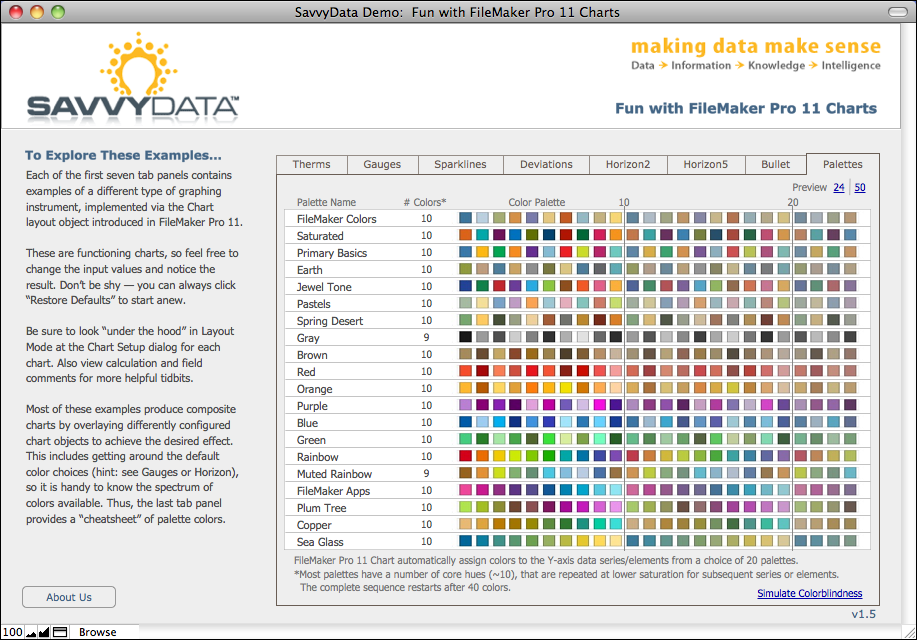
For example, FileMaker Pro 11 Chart automatically assign colors to the Y-axis data series/elements from a choice of 20 palettes. Unlike the advanced third-party charting options, you cannot assign a specific color to a particular data point.
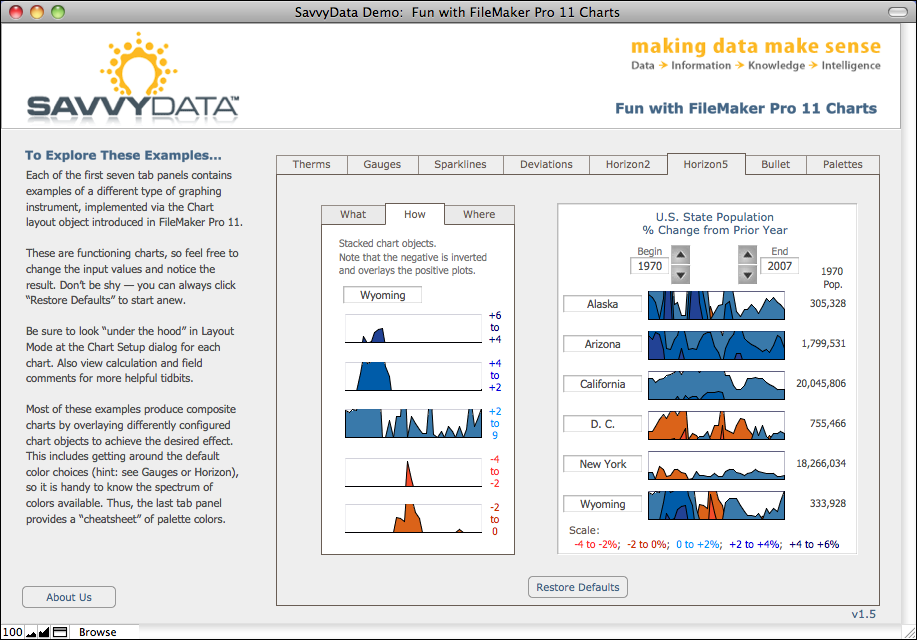
However there are ways to get around the default color choices Read more… »
Video Tips for Prospective FileMaker DevCon Speakers
So you’re submitting a proposal to present at the FileMaker Developer Conference (aka DevCon)… awesome! Thanks for offering to share your knowledge with the developer community. The more developers share, the better DevCon for us all. As you may be aware, the deadline for submitting proposals for next year’s DevCon is almost upon us.
One requirement is a 3- to 5-minute video of yourself for each of your proposed topics. The purpose of the video is to give the FileMaker, Inc. speaker selection team an idea of your presentation style, as well as to provide a platform for you to explain the key objectives of your proposed session and how you intend to present it. Although your proposal will not be judged on the video’s technical merits, you naturally will want to present yourself in the best possible manner.
Following are some suggestions on how to record and produce a quality video for this purpose… Read more… »
A Likely Fix for SMTP Send Mail Error 1506 Woes
(Updated January 11, 2011 10:20 am)
Send Mail via SMTP is a feature added in v10 of FileMaker Pro. The Send via SMTP option is also available to the Send Mail script step for FileMaker Pro, and is enabled for FileMaker Server. As a result we now have the ability to send email in the background (or in unattended mode via a server-side script), whereas prior versions required a FileMaker Pro client or third-party plug-in to send email.
As usual, with power comes responsibility. In this case, it means knowing your SMTP configuration details and correctly formatting email elements. Failure here is easy, often resulting in the general (and least informative) error, 1506: “Email(s) could not be sent successfully”. (See below for a common but unexpected condition that triggers this error.)
We’ve created a file that should help streamline the process of finding SMTP settings that work… Read more… »
Using Autoresize Layout Objects
|
|||
Redesigning Layouts to Embrace the New FMP10 Interface
This workshop provides hands-on opportunity to apply suggested tactics for embracing the new user interface. Whether you think it boon or bane, incorporating the modernized Status Toolbar (formerly Status Area) requires new thinking about layout design and user interaction options. Its re-location and newly available buttons and features change the rules, especially when upgrading existing solutions or in cross-version deployments.
Read more… »
Create Context-Aware Help Systems
Built-in or Bolt-on? Ideally, only the developer knows for sure. Bring your powered up laptop to this hands-on workshop and leave with a context-aware Help system integrated with one of your own FileMaker Pro solutions. The techniques presented are plug-in free and platform independent. Step-by-step you’ll develop a functioning Help system. As a bonus, you’ll also receive generic Help content for common user actions, such as finds and navigation.
Read more… »
The Art and Business of User Documentation
Producing good user documentation isn’t trivial — but it is one key deliverable that can dramatically enhance a developer’s professional image while improving the usefulness of the solution. Developers often consider solution documentation a drudgery — or worse, a time-consuming activity with little return on effort. This session convincingly explains why including documentation as a standard practice is an asset rather than a liability, and that it doesn’t need to be a huge resource drain if it is planned for and executed during the development process.
Read more… »